Why lens, light and blocking still decide the frame, and how to carry them from a rough sketch into a finished AI shot.
I have spent 17 years in production and VFX, and most of that time has been spent around one quiet question.
Where does the camera go?
Everything else follows from it.
The lens.
The light.
The way an actor moves through the space.
What the audience sees first, and what they only notice later.
AI video has not changed that question.
It has just made it easier to skip.
If you don't decide where the camera goes, the model will decide for you.
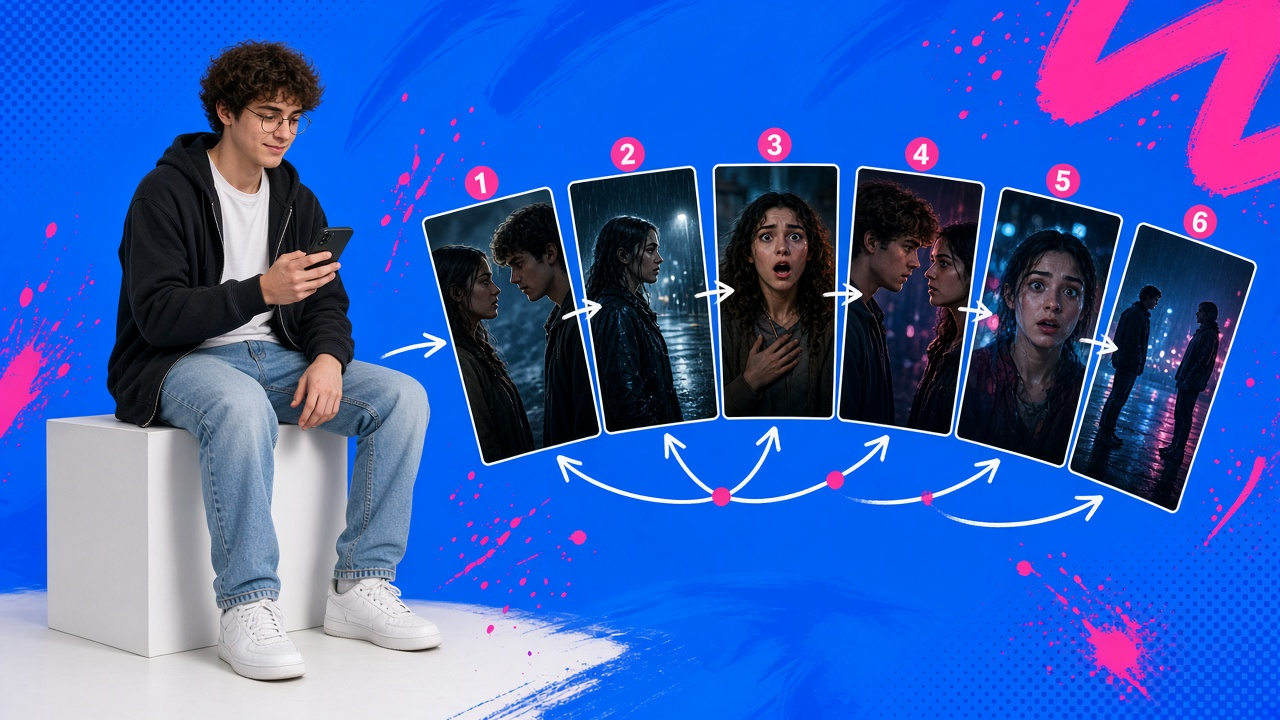
The storyboard is still the plan
A storyboard is not artwork.
It is a decision.
Even a rough sketch tells you a lot.
The frame size.
The eyeline.
Who is in the foreground.
Which side of the line the camera is on.
That is exactly the information a video model needs, and exactly the information a vague prompt leaves out.
So board first. Stick figures are fine.
What matters is that each panel is a real choice.
Turn each panel into a shot note
Before you write a prompt, write the shot like a camera report.
SC 12 / SH 03. Medium close-up on Leela, 50mm, camera at seated eye height, slightly off her left shoulder. She looks past the lens toward Dev, frame right. Rain on the window behind her. Key from the neon sign outside, frame left, magenta. Soft fill from the counter. Slow push-in over 4 seconds.
Notice what is in there.
Lens.
Height.
Eyeline.
Key direction and colour.
Movement and duration.
None of it is decoration.
Each line removes a guess.
Choose the lens on purpose
Lens choice is one of the strongest emotional tools you have, and it carries straight into AI work.
Wide lenses put the character in the world. They exaggerate depth, and up close they can make a face feel uneasy.
Normal lenses feel honest. They sit close to how we see.
Longer lenses compress space, separate the subject from the background and feel intimate or watchful.
Name the focal length in every shot, and keep it consistent within a scene unless you are changing it for a reason.
Jumping lenses at random is one of the fastest ways to make AI footage feel unmotivated.
Light the scene, not the shot
A common failure in AI sequences is that every shot is lit beautifully, and none of them match.
The window is on the left in the wide.
On the right in the close-up.
Gone in the reverse.
So define the lighting for the scene once.
Where is the key coming from?
What colour is it?
What are the practicals in the room?
What time of day is it outside?
Then write every shot in that scene from the same plan.
The camera moves.
The light stays where it is.
Block it in 3D before you generate
For anything with movement, a two-person dialogue or a camera that travels, a sketch only gets you so far.
Rough 3D blocking helps.
Place simple stand-ins for your characters.
Put the camera where it will actually be.
Check the lens, the height and the move.
Check that the reverse angle still respects the line.
This is old-fashioned previs, and it is still one of the best ways to catch problems before they cost you anything.
A bad angle found in blocking costs minutes. A bad angle found after generation costs a retake.
Build the location so you can turn around
Reverse angles are where AI scenes often fall apart.
The wide shot shows a diner.
The reverse shows a different diner.
Treat the location as a set, not a backdrop.
Know what is behind the camera as well as in front of it.
If you can see the whole space, you can shoot it from any side and it will still feel like one place.
Review like a DP
When the shot comes back, look at it the way a cinematographer would.
Is the eyeline right?
Does the light match the previous shot?
Did the lens feel change?
Does the move start and land where the board said it would?
If it doesn't match the plan, fix the note before you run it again.
Changing the prompt at random is just paying for guesses.
This is one of the reasons we built FrameOn
Our team has delivered more than a hundred AI films for clients, and the shots that held up were the ones that had been planned like real shots.
So FrameOn is built around that planning.
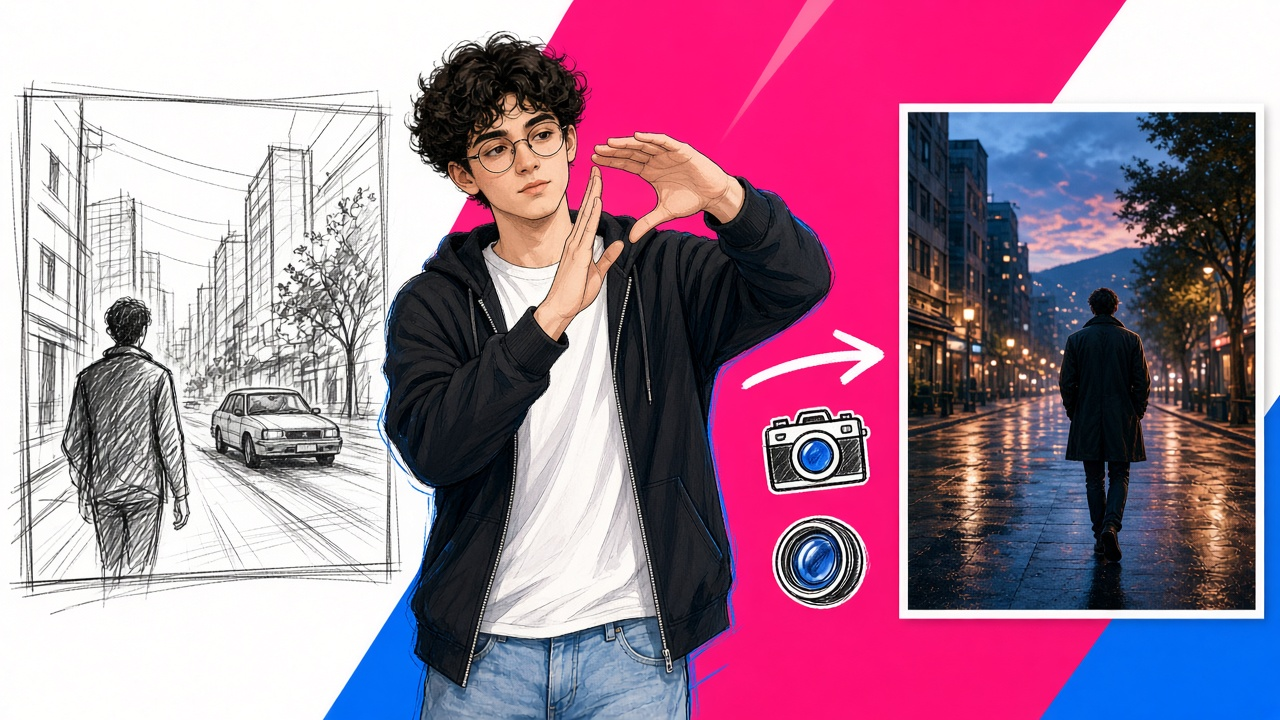
There is a storyboard sketch-to-shot tool, so a rough panel can become the starting point for a frame.
There is 3D blocking, with lens and camera checked in Blender.
There are camera, lens and light libraries to make those choices explicit.
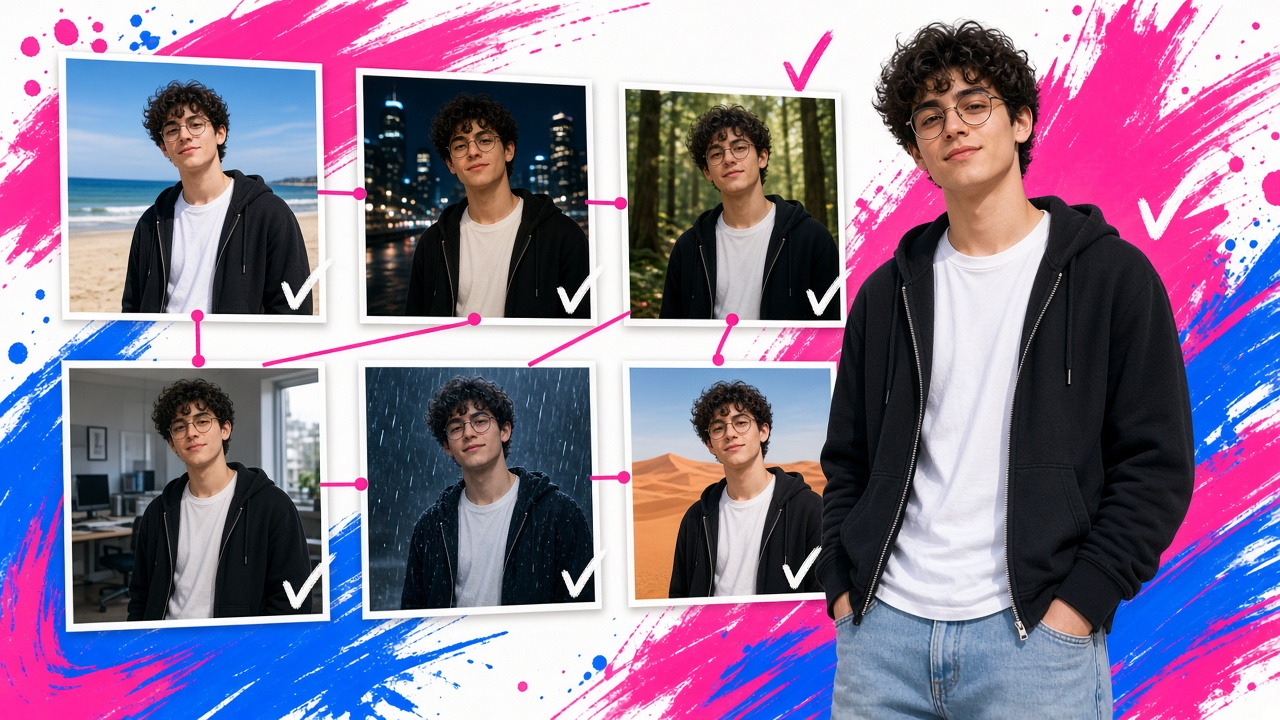
Locations are built in 360, so you can shoot reverse angles in the same space.
And Cue, the production agent inside FrameOn, writes the prompts for each model from that plan, so your direction carries through whichever model runs the shot.
Every shot is priced before it runs, and nothing generates until you approve.
The camera is a point of view
A shot is not just a picture of something.
It is a decision about how to see it.
That has always been the cinematographer's job.
It still is.
Plan the camera, and the model becomes a crew member instead of a coin toss.
FrameOn's early access is open at frameon.us, if you'd like to direct your next piece this way.
— Founder, FrameOn
FrameOn Creativity is yours. The tools are ours. frameon.us